GoodLinks is one of the best-regarded read-later apps on Apple platforms, and with good reason. It is native, private, syncs through iCloud with no account, and is sold as a one-time purchase. If you are looking for a GoodLinks alternative, you probably are not unhappy with the basics. You want something it does differently: a reader that does more than change fonts, built-in listening, or help actually finishing the articles you save.
PagePanda takes the same privacy-first, Apple-native approach but builds around a different goal: turning a saved list into finished reading. This guide compares the two fairly so you can decide which fits.
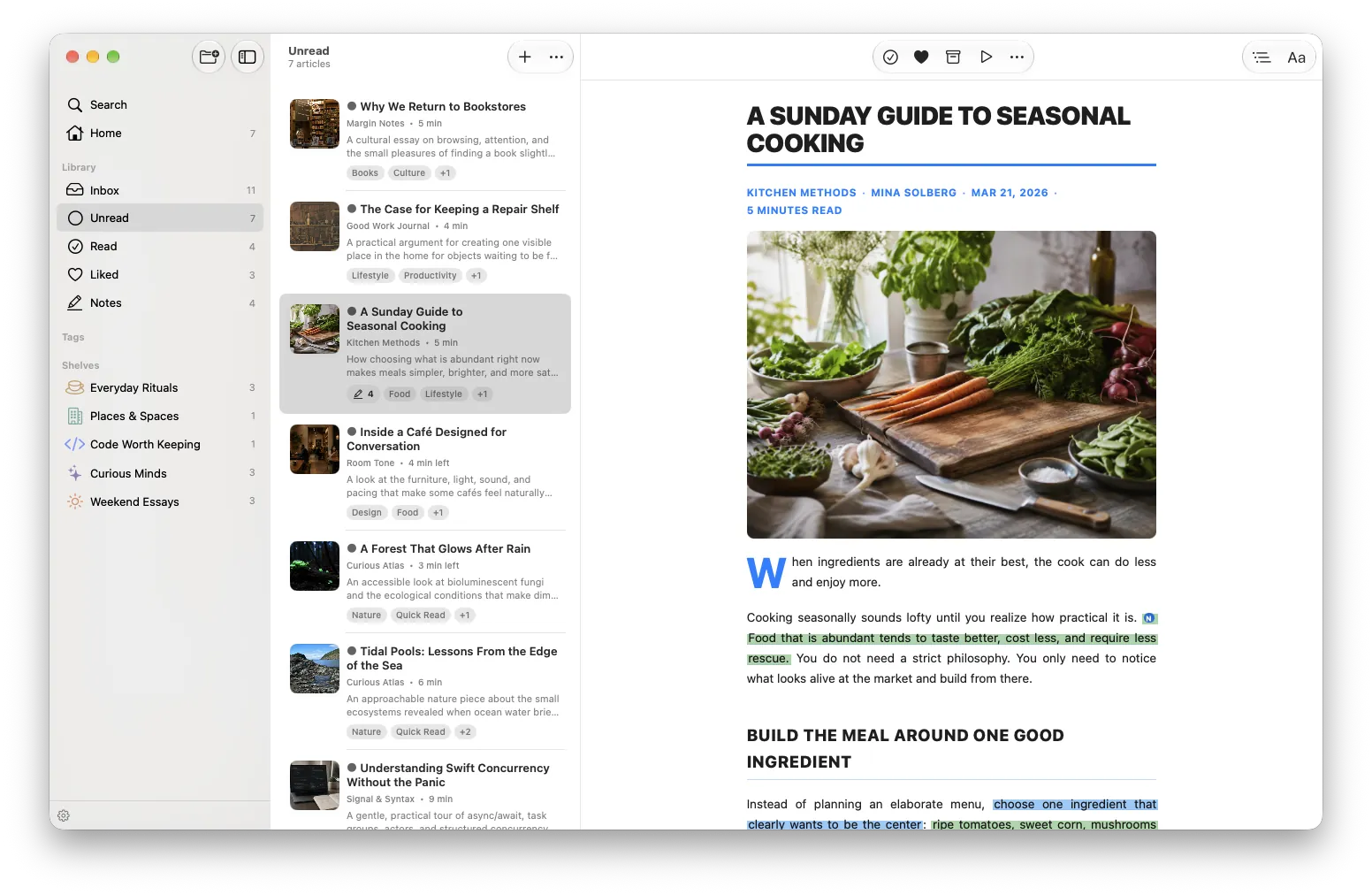
GoodLinks vs PagePanda at a glance
| GoodLinks | PagePanda | |
|---|---|---|
| Platforms | iPhone, iPad, Mac (universal purchase) | iPhone, iPad, Mac (also Vision Pro); requires iOS/iPadOS/macOS 26 or later |
| Account | None; iCloud sync | None; local-first with optional iCloud sync |
| Price model | $9.99 one-time on the US App Store, with one year of new features; optional $4.99/yr Annual Feature Upgrade for features released after that | Free plan; PagePanda Pro as monthly, yearly, or one-time Lifetime purchase (pricing shown in the App Store) |
| Reader design | Font, spacing, size, and themes (Light, Sepia, Dark, Night) | Eight complete Reader Styles (Standard free; seven more with Pro) |
| Listening | No built-in text-to-speech advertised on its site or App Store listing at time of writing | Listen: reads cached articles with Apple voices on the device; free |
| AI | Article summaries via Apple Intelligence, Private Cloud Compute, or your own provider; AI Custom Actions (Premium) | No AI processing of articles, notes, or reading data |
| Habit tools | Widgets, including a random unread link | Continue Reading, Quick Reads, Backlog Cleanup, streaks, Insights, Achievements, reminders |
| Highlights & notes | Colored highlights, notes, Notebook, customizable Markdown export | Highlights in six colors with notes; export as plain text, Markdown, or HTML |
| Automation | Deep Shortcuts support, AppleScript, custom actions, URL schemes, Mac CLI and MCP server | Save Article App Intent for Siri and Shortcuts |
| Media | Articles and links | Articles plus YouTube videos and podcast episodes with timestamp notes |
| Technical reading | Standard article rendering | Syntax highlighting for 190+ languages and one-tap code copy (Pro) |
GoodLinks details checked against goodlinks.app, its release notes, its Premium help page, and its US App Store listing on October 20, 2026. PagePanda details match the App Store listing (v1.1) and existing PagePanda guides. GoodLinks prices above are US App Store prices on October 20, 2026. Check the App Store for your region. PagePanda Pro pricing is shown in the App Store.
What GoodLinks does very well
It is worth saying plainly: GoodLinks is an excellent app, and for many people it is the right choice.
- A true one-time purchase. You pay once and keep every feature you bought, plus a year of new ones. The optional Annual Feature Upgrade only unlocks features released later, and anything you unlock stays yours.
- Power-user automation. GoodLinks has some of the deepest Shortcuts support in the category, plus AppleScript, custom actions, URL schemes, and, since version 4.1, a command-line tool and MCP server on macOS.
- Paywalled sites. You can log in to sites inside GoodLinks to get full article content.
- Permanent article copies. Article Sync (Premium) saves each article and its images as a permanent copy in iCloud, so a saved article survives even if the original page is taken down.
- Optional AI summaries. If you want them, summaries can run through Apple Intelligence, Private Cloud Compute, or a provider you choose, and can be turned off entirely.
- Maturity. GoodLinks has years of refinement and hundreds of App Store ratings behind it.
If your priorities are automation, paying once, and a fast, reliable place to save links, GoodLinks is hard to beat.
Where PagePanda takes a different approach
PagePanda shares GoodLinks’ starting point: no account, no ads, no tracking, and native apps on every Apple device. The differences show up after you tap Save.
Reader Styles instead of font settings
Most read-later apps, GoodLinks included, let you adjust font, size, spacing, and theme. PagePanda’s Reader Styles are complete article designs: Standard, Magazine, Elegant, Modern, Vintage, Minimal, Artistic, and Academic. Each one changes typography, headings, quotes, lists, links, tables, spacing, and alignment together, so a long essay can feel like a magazine feature and a research piece can look like a journal article.
Standard is included in the free plan. The other seven come with PagePanda Pro.
Built-in listening
PagePanda 1.1 added Listen. Open a cached article, tap Listen, and PagePanda reads it with an Apple voice installed on your device. You can change the voice and speed, skip by sentence or paragraph, and follow along as the passage is spoken. Listen does not require Pro.
It is deliberately simple. There are no cloud AI voices, no playlists, and no CarPlay, but it means you can finish an article on a walk without a separate app. If you rely on GoodLinks today, Apple’s own Speak Screen is the usual workaround. Our guide to listening to articles on iPhone covers every option.
A Home designed to help you finish
GoodLinks gives you lists, tags, starred items, and a widget that can open a random unread link. PagePanda’s Home is organized around the decision of what to read next:
- Continue Reading brings back articles you started, at the place you stopped.
- Quick Reads surfaces shorter pieces for the few minutes you have.
- Recently Saved keeps new ideas close while they are still timely.
- Backlog Cleanup gives older saves another chance before they become guilt.
Streaks, Insights, Achievements, and optional reminders make progress visible without turning reading into a competition. If your list keeps growing faster than you read it, this is the main reason to try PagePanda. Our guide to managing a read-later backlog explains the approach.
No AI, by design
GoodLinks offers AI summaries and AI Custom Actions as options, which many readers will appreciate. PagePanda takes a stricter line: your articles, notes, highlights, and reading data are not sent to an AI provider at all. If you want a read-later app where AI is simply not part of the product, that is a clear difference.
Videos, podcasts, and technical articles
PagePanda can keep a single YouTube video or a podcast episode from Apple Podcasts or Spotify in the same library as your articles, remember where you stopped, and attach timestamp notes when playback stays inside the app. See YouTube notes in PagePanda.
For developers, PagePanda Pro adds syntax highlighting across more than 190 languages and one-tap code copying, covered in what technical readers need from a read-it-later app.
Privacy and sync compared
Both apps avoid a separate account and sync through your own iCloud. The details differ slightly:
- GoodLinks syncs links, tags, highlights, and reading position through iCloud. With Article Sync (Premium), article text and images are stored as permanent copies in iCloud too.
- PagePanda stores your library locally first. Optional iCloud sync covers saved items, reading progress, shelves, tags, highlights, and notes. Downloaded article files are cached per device, so an article cached on your iPhone is downloaded again on your iPad when you open it there. Our guide to reading offline on iPhone and iPad explains how caching works.
Neither app shows ads. PagePanda also states it collects no product-usage analytics.
Pricing: one-time vs free plan plus Pro
GoodLinks costs $9.99 up front on the US App Store, with no free tier, but no recurring charge unless you choose the Annual Feature Upgrade.
PagePanda is free to download. The free plan includes saving, the reading-focused Home, the Standard Reader Style, Listen, a basic streak and Achievements, up to five custom shelves, ten tags, and 25 highlights. PagePanda Pro removes those limits and adds all eight Reader Styles, enhanced code formatting, expanded themes and typography, and full Insights. Pro is available monthly, yearly, or as a one-time Lifetime purchase, so you can avoid a subscription if you prefer.
Switching from GoodLinks to PagePanda
PagePanda’s importer supports browser bookmark HTML, plain-text URL lists, generic CSV, Pocket CSV, Instapaper CSV, and Raindrop.io CSV. There is no dedicated GoodLinks importer, so the practical route is to export your GoodLinks links in a format PagePanda reads, such as a list of URLs or a CSV with a URL column, and import that file. Highlights made in GoodLinks will not transfer automatically, so keep your GoodLinks Markdown export if you want them.
You do not have to switch all at once. Many readers keep one app for quick link capture and use the other for longer reading.
Which should you choose?
Choose GoodLinks if:
- you want to pay once and never think about pricing again;
- you rely on Shortcuts, AppleScript, or custom actions;
- you need to log in to paywalled sites inside the app;
- you want optional AI summaries; or
- you want permanent iCloud copies of every article.
Choose PagePanda if:
- you save more than you read and want help finishing;
- you want Reader Styles that redesign the whole article;
- you want built-in, on-device listening without a subscription;
- you want no AI processing at all;
- you keep YouTube videos and podcast episodes next to articles; or
- you read a lot of technical content with code.
Still comparing? Our best read-it-later apps for iPhone, iPad, and Mac in 2026 puts PagePanda, Instapaper, Matter, and Safari Reading List side by side. There are also dedicated guides for Pocket, Instapaper, and Matter alternatives.
Download PagePanda free on the App Store → Available for iPhone, iPad, and Mac. No account required.
Frequently asked questions
Is there a free alternative to GoodLinks?
PagePanda is free to download, with a free plan that covers saving, offline reading of cached articles, the Standard Reader Style, Listen, and a limited number of shelves, tags, and highlights. Instapaper also offers a free plan. Safari Reading List is built in and free.
Does GoodLinks have text-to-speech?
At the time of writing, neither GoodLinks' website nor its App Store listing mentions built-in text-to-speech. You can still use Apple's Speak Screen on any app. PagePanda includes Listen, which reads cached articles aloud with Apple voices on your device.
Do GoodLinks and PagePanda both work without an account?
Yes. Both apps work without creating a separate account and can sync through your own iCloud.
Can I import my GoodLinks library into PagePanda?
There is no dedicated GoodLinks importer. Export your links as a URL list or CSV with a URL column, then import that file into PagePanda. Highlights do not transfer automatically.
Does PagePanda use AI?
No. PagePanda does not send your articles, notes, highlights, or reading data to an AI provider.
Is PagePanda a one-time purchase like GoodLinks?
PagePanda is free to download. PagePanda Pro is available as a monthly or yearly subscription or as a one-time Lifetime purchase.
Which is better for developers?
PagePanda Pro adds syntax highlighting for more than 190 languages and one-tap code copying. GoodLinks offers deeper automation through Shortcuts, AppleScript, and a Mac command-line tool. Pick based on whether you care more about reading code or scripting your library.